
Focus Mong Kok Logo Focus Mong Kok Contact Us
Menu
Contact Us
Productivity Strategy

Time Blocking: Plan Your Week Like a Professional

Stop reacting to every message and deadline. We walk you through creating a time block system that actually works.

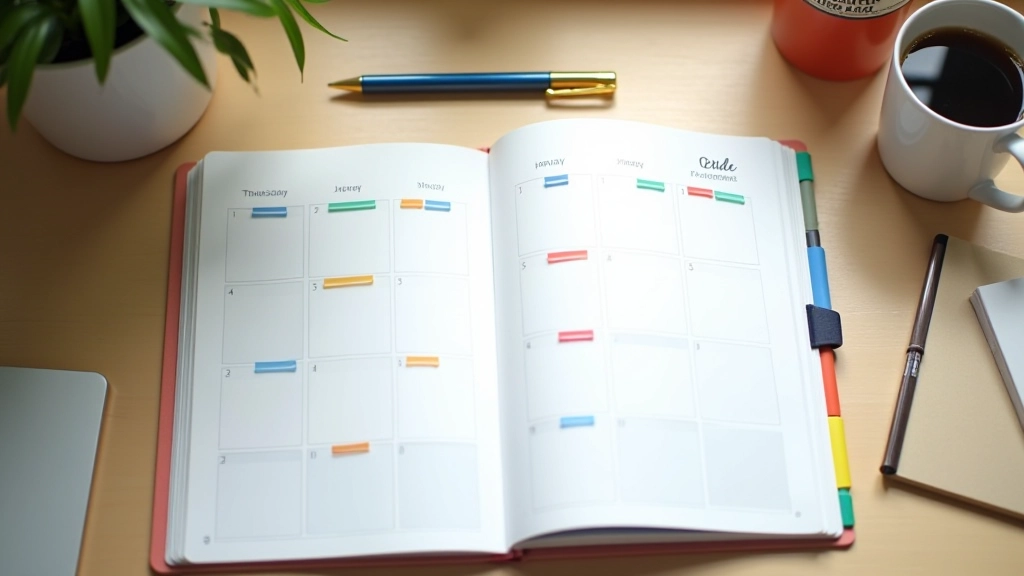
Weekly planner spread open on desk with time blocks marked in different colors and a pen ready for scheduling

What Is Time Blocking?

Time blocking isn’t some fancy new concept. It’s simple: you divide your week into chunks and assign specific work to each chunk. That’s it. Instead of having a to-do list that grows longer every day, you’ve got a calendar that shows exactly when you’ll do what.

Here’s why it works for freelancers. You don’t have a boss telling you what to do when. That freedom is great until it becomes a problem. Without structure, your day becomes whoever shouts loudest — clients, emails, notifications. Time blocking puts you back in control.

The Core Idea

Schedule your work in advance. Treat those time blocks like meetings you can’t reschedule. When you sit down at 9 AM on Monday, you already know what you’re doing for the next two hours.

How to Set Up Your First Time Blocks

Start with Sunday evening or Monday morning. Grab your calendar — Google Calendar, Outlook, or even pen and paper. You’ll want to look at the full week ahead.

1

List Your Priorities

What actually matters this week? Not everything. Pick 3-4 big projects or deliverables. Those get time blocks first.

2

Assign Time Estimates

How long does each project need? Be realistic. If you usually underestimate, add 25% more time. It’s better to finish early than miss deadlines.

3

Schedule Deep Work First

Block 2-3 hour chunks for your hardest work. Most people do this early morning when their brain is fresh. Put it on your calendar before anything else.

4

Add Everything Else

Meetings, emails, admin work, breaks. Fill in around your deep work blocks. You’ll see exactly how much time you actually have left.


The Real Benefits You’ll Notice

Within a week, you’ll feel the difference. You’re not constantly deciding what to do next. That decision’s already made. Your brain gets to focus on the actual work instead of managing your schedule.

  • Better Focus: When you know you’ve got 2 hours for design work, you can actually dive deep. No checking email every 5 minutes.
  • Less Stress: You can see your week. Everything’s accounted for. No surprise “how will I fit this in?” moments at 5 PM.
  • More Done: Time blocks create urgency. You work faster when you know you’ve got 90 minutes, not the whole day.
  • Realistic Planning: You’ll actually see if you’re overcommitting. That’s gold information that you can’t get from a vague to-do list.

Common Mistakes (And How to Avoid Them)

Blocking Every Minute

Some people try to schedule 9 AM to 5 PM solid. That fails fast. You need breathing room — for unexpected questions, coffee breaks, thinking time. Aim for 60-70% of your day blocked, not 100%.

Ignoring Your Energy Levels

You’re not a robot. If you crash at 2 PM, don’t schedule your hardest work then. Put deep work when you’re sharpest. Schedule routine tasks for your low-energy times.

Treating Blocks Like Suggestions

The whole system falls apart if you ignore your blocks. They need to mean something. When 2 PM hits and that’s design time, you’re doing design. Not emails. Not scrolling. That’s the discipline that makes it work.

Never Adjusting Your System

Your first week won’t be perfect. You’ll discover that client calls always run 15 minutes long, or that you need more admin time than expected. Adjust. Time blocking isn’t rigid — it’s flexible structure.